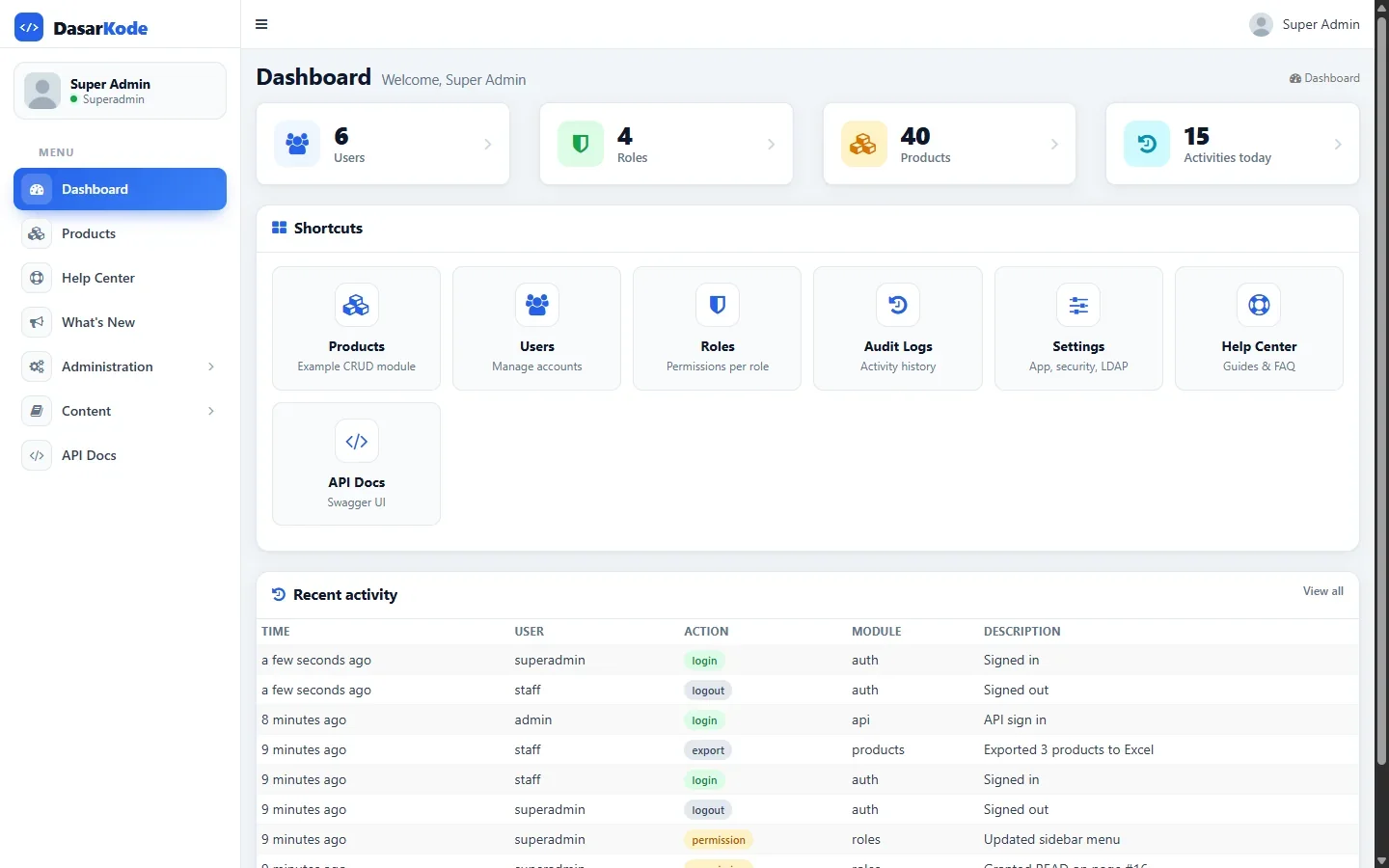
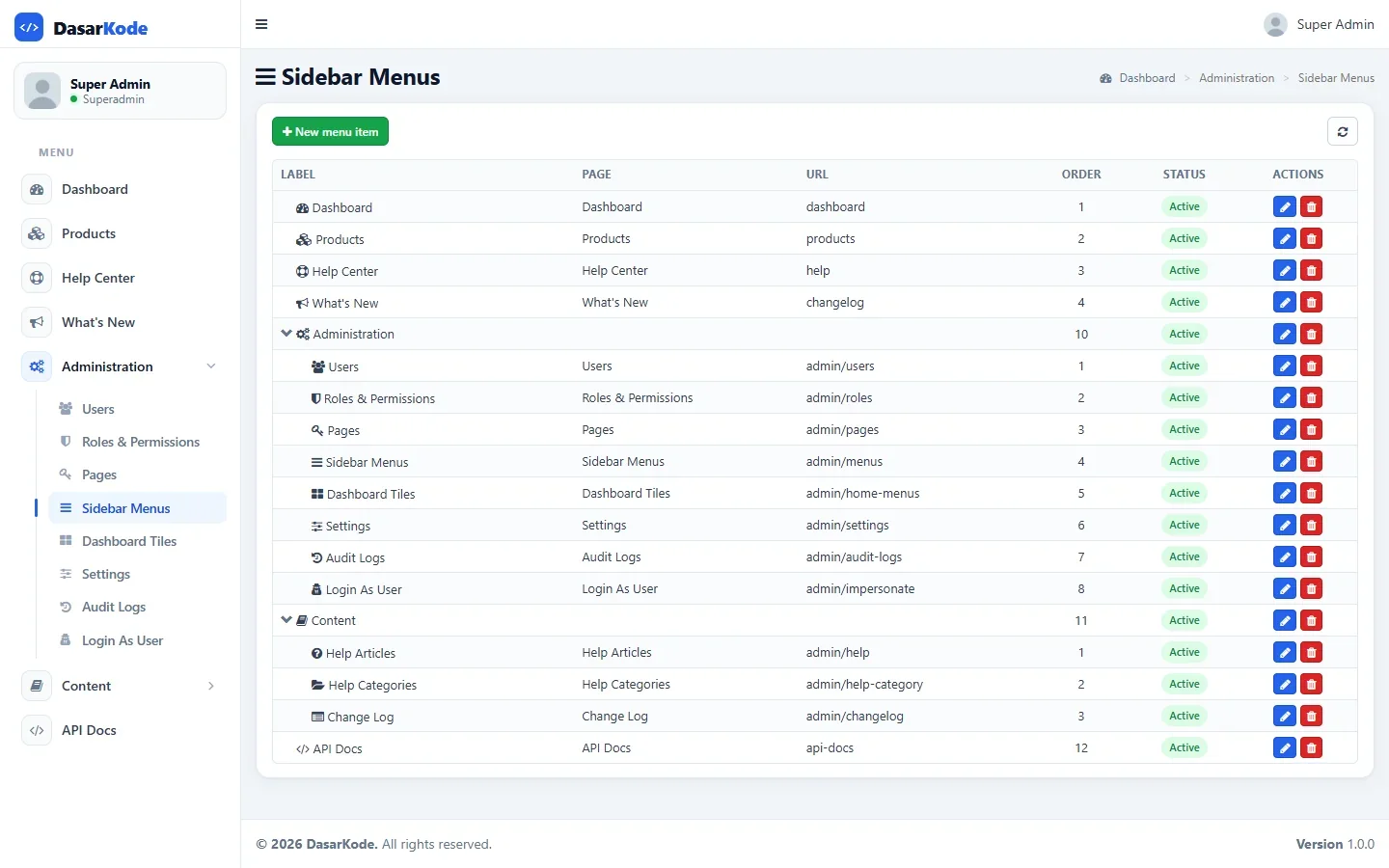
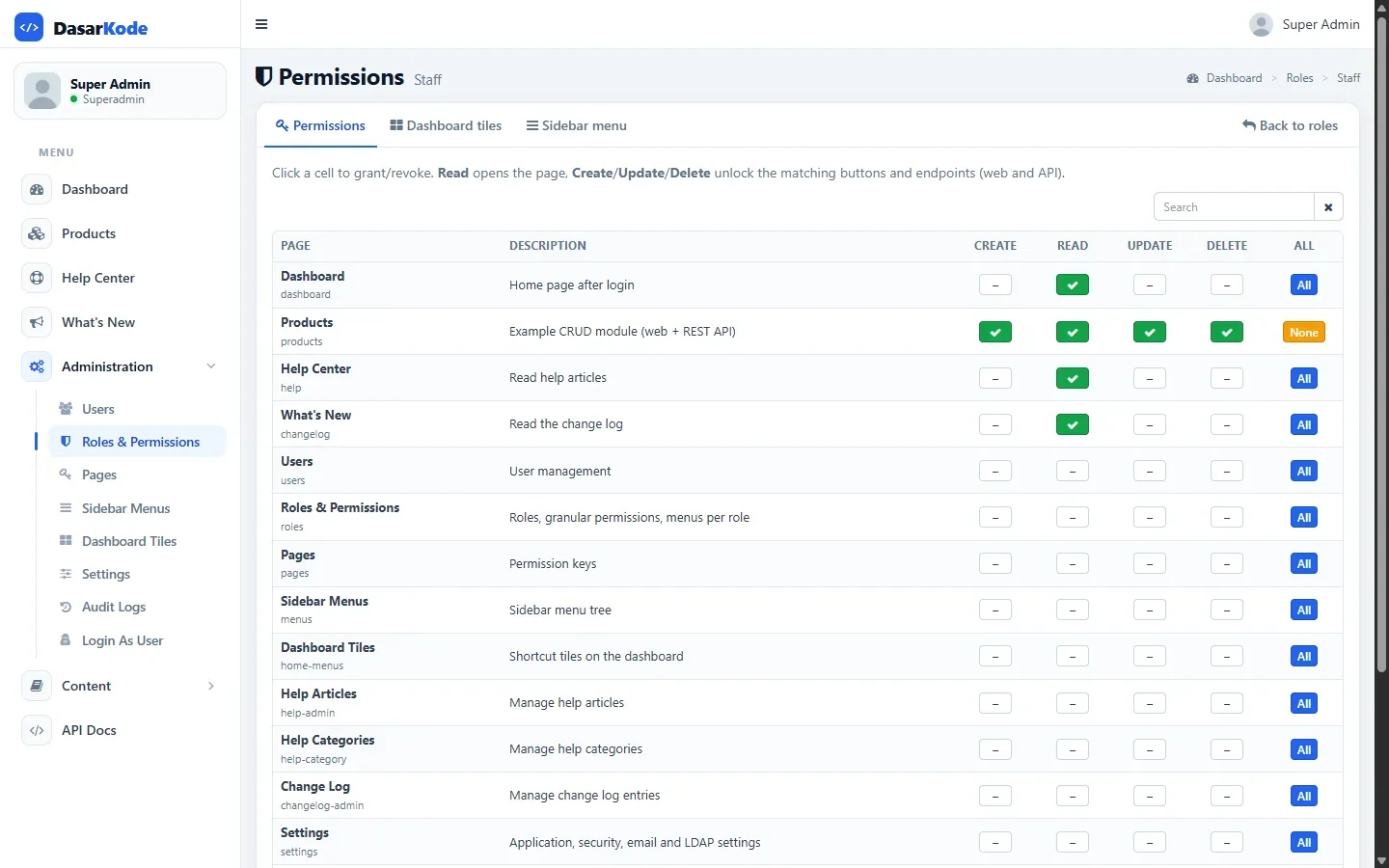
An admin dashboard, ready to use
- Layout, header, and sidebar already split into CI4 views
- DasarKode theme; change brand colours in one brand.css file
- Responsive, comfortable on a phone
- All libraries stored locally, no CDN
Most CodeIgniter 4 admin templates are just HTML pages. The admin dashboard in the CI4 Starter Kit actually works: connected to authentication, roles & permissions, dynamic sidebar menus, an audit log, and a CRUD example with server-side grids. Just add your modules.
One-time payment · unlimited projects · In Indonesia? Lynk.id QRIS/VA
Click a screenshot to enlarge it. The full demo video is on the main page.
Searching for a "CodeIgniter 4 admin template" usually ends with two options: an HTML dashboard theme that you have to split into CI4 layouts and views yourself, or a GitHub example that stops at a login page and one CRUD screen.
The hard part of an admin panel isn't how it looks. It's what sits behind it: who can open which menu, which buttons a role can see, and a record of who changed what. In the CI4 Starter Kit all of that is done and connected.
The example uses a made-up "invoices" module. The pattern is the same for any module.
Controller, model, views, and routes for Products are complete: list, filters, server-side pagination, validation, soft delete, and Excel export. Use it as the pattern for your module.
Every route uses the permission:<page>,<action> filter. $p() is just shorthand for it.
$routes->get('invoices', 'Admin\Invoices::index', $p('invoices'));
$routes->post('invoices', 'Admin\Invoices::store', $p('invoices', 'create'));Add the page and its sidebar menu from the admin panel, then tick Create/Read/Update/Delete per role under Roles & Permissions. The menu appears for the right roles with no code changes.
Styling, icons, page size, and locale are preset. Just give it a data URL and columns.
$('#grid').bootstrapTable({
    url: '<?= site_url('invoices/list') ?>', sidePagination: 'server', pagination: true, search: true,
    columns: [
        { field: 'NO', title: 'No.', sortable: true, formatter: App.formatters.text },
        { field: 'PAID_ON', title: 'Paid', formatter: App.formatters.relative } // "3 hours ago"
    ]
});| Feature | HTML template | CI4 Starter Kit |
|---|---|---|
| Responsive admin layout | ✓ Yes | ✓ Yes |
| Split into CI4 layouts & views | Your job | ✓ Yes |
| Login, password reset, 2FA | ✕ No | ✓ Yes |
| Per-role sidebar menus, managed from the UI | ✕ No | ✓ Yes |
| CRUD buttons follow user permissions | ✕ No | ✓ Yes |
| Server-side grid + Excel export | ✕ No | ✓ Yes |
| Audit log | ✕ No | ✓ Yes |
| Documentation & support | Rarely | ✓ Yes |
Yes. Brand colours live in a single brand.css file, and the app name and theme are set from the Settings menu. Every library is stored locally, so nothing depends on a CDN or an internet connection.
Free templates are usually just the look. What you pay for, once, is an admin dashboard already wired to the application foundation: login, 2FA, RBAC, dynamic menus, audit log, CRUD example, REST API, tests, and documentation.
Yes. Permission, menu, and audit logic lives in filters, controllers, and models, separate from the views. Changing the theme means adapting the layout and view files, not rewriting the logic.
Yes. One licence covers unlimited projects: personal, internal, client work, even the base of a SaaS product you sell. The only thing not allowed is reselling the source code itself as a template.
Login, RBAC, dynamic menus, audit log, JWT REST API, Docker, and docs in English and Indonesian. Pay once, with help until it runs.